Your draft
Every change in the customizer is saved right away as your draft for that site. The draft:
- is visible only to you, in the customizer's preview (and in previews you open in a new tab);
- never changes what visitors or other editors see;
- stays until you publish or discard it, even if you close the customizer, log out, or come back from another computer.
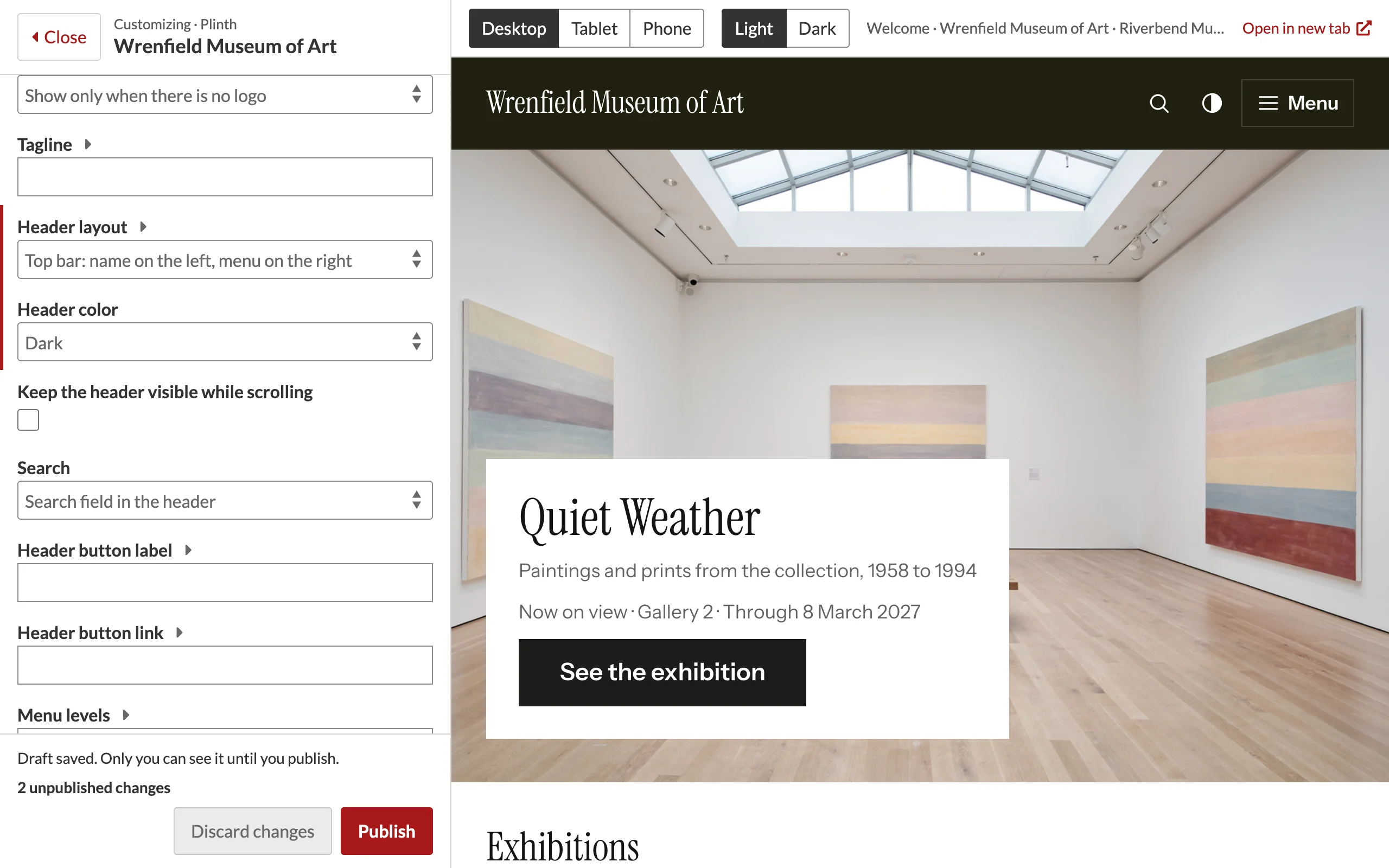
Each person has their own draft, so two editors can try ideas on the same site without affecting each other. Whoever publishes last sets the site's settings.
Publishing
Click Publish. The customizer saves the form as the site's theme settings, exactly as the theme settings page would, and deletes your draft. The page shows Your changes are published. and visitors see the new settings on their next page view.
If a setting is not accepted, nothing is published: the customizer opens again with the problem listed at the top and marked on its field.
Discarding
Click Discard changes and confirm. Your draft is deleted and the form returns to the published settings. Discarding is only available while you have unpublished changes.
Draft and theme settings page
The theme settings page (Theme › Edit theme settings) always shows the published settings, not your draft. Saving there publishes its own form, so finish or discard your draft first to avoid confusion.