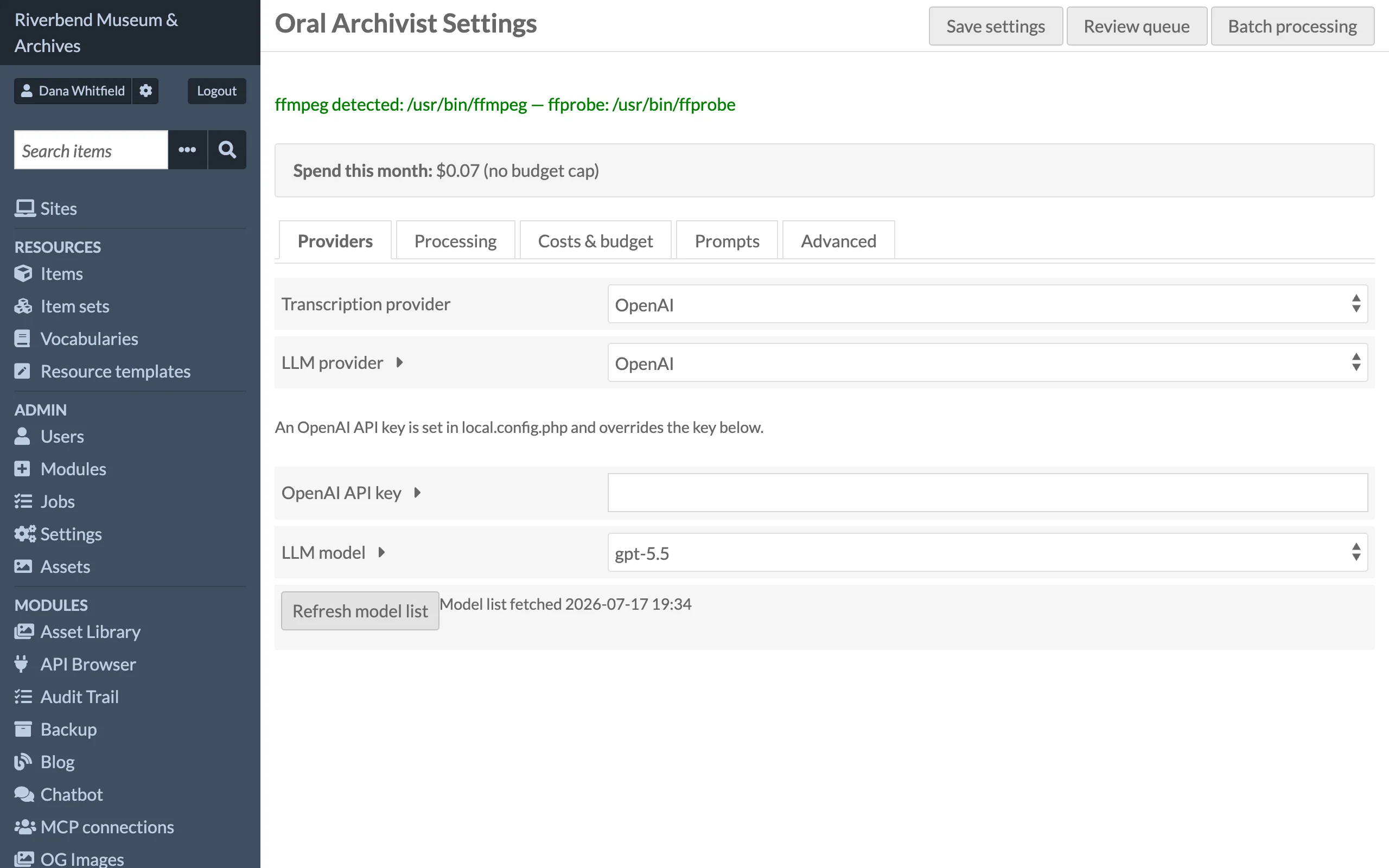
Global settings live under Oral Archivist > Settings and are available to global administrators only. Provider keys are never exposed to site admins: Supervisors and editors do not see the Settings menu entry or button, and opening the page shows them Omeka's Forbidden page (HTTP 403). Before 1.6.3, Supervisors could open and change these settings.
The page shows the current month's spend at the top and splits the settings into five tabs: Providers, Processing, Costs & budget, Prompts and Advanced. The tables below group the same settings by task.
When set, the pipeline adds a summary pass and publishing writes the summary to this property on the parent item. Existing values in that property are replaced. Leave empty to disable summaries; the pass is then skipped at no cost.
The Cleanup prompt and Segmentation prompt are the system prompts for the two LLM passes. The defaults are tuned for the JSON shapes the module expects; if you customise the cleanup prompt, it must still instruct the model to return the documented JSON shape.