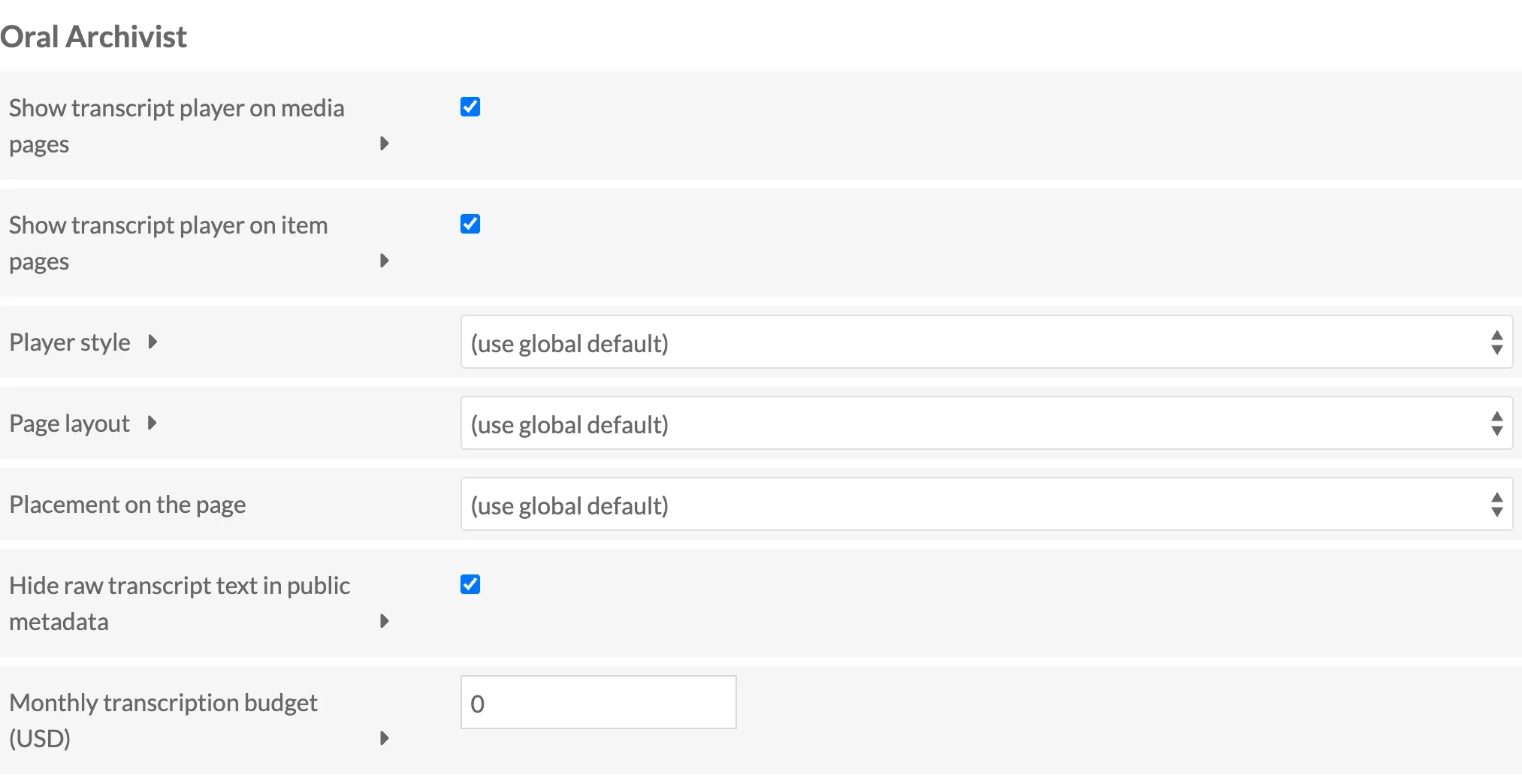
Each site has its own Oral Archivist section in its settings (Sites > the site > Site admin, Settings tab), editable by site admins.
| Setting | Default | Description |
|---|---|---|
| Show transcript player on media pages | On | Render the player automatically on public media pages that have a published transcript. |
| Show transcript player on item pages | On | Render one player per attached media with a published transcript on public item pages. |
| Player style | Use global default | Override the global player style for this site. |
| Page layout | Use global default | Override the global page layout for this site. |
| Placement on the page | Use global default | Override whether the automatic rendering appears before or after the page content. |
| Hide raw transcript text in public metadata | On | Hides the ExtractText property from public display, since the player already shows the transcript. Display only; search is unaffected. |
| Monthly transcription budget (USD) | 0 (unlimited) | An approximate per-site cap. Cost is attributed to a site only when queueing is site-scoped, so the global cap remains authoritative. |
Turning off both automatic renderings lets a theme place the player explicitly instead. See The Player.