The Statistics block shows a few key figures, such as the size of a collection or the number of volunteers, each with a label and an optional description.
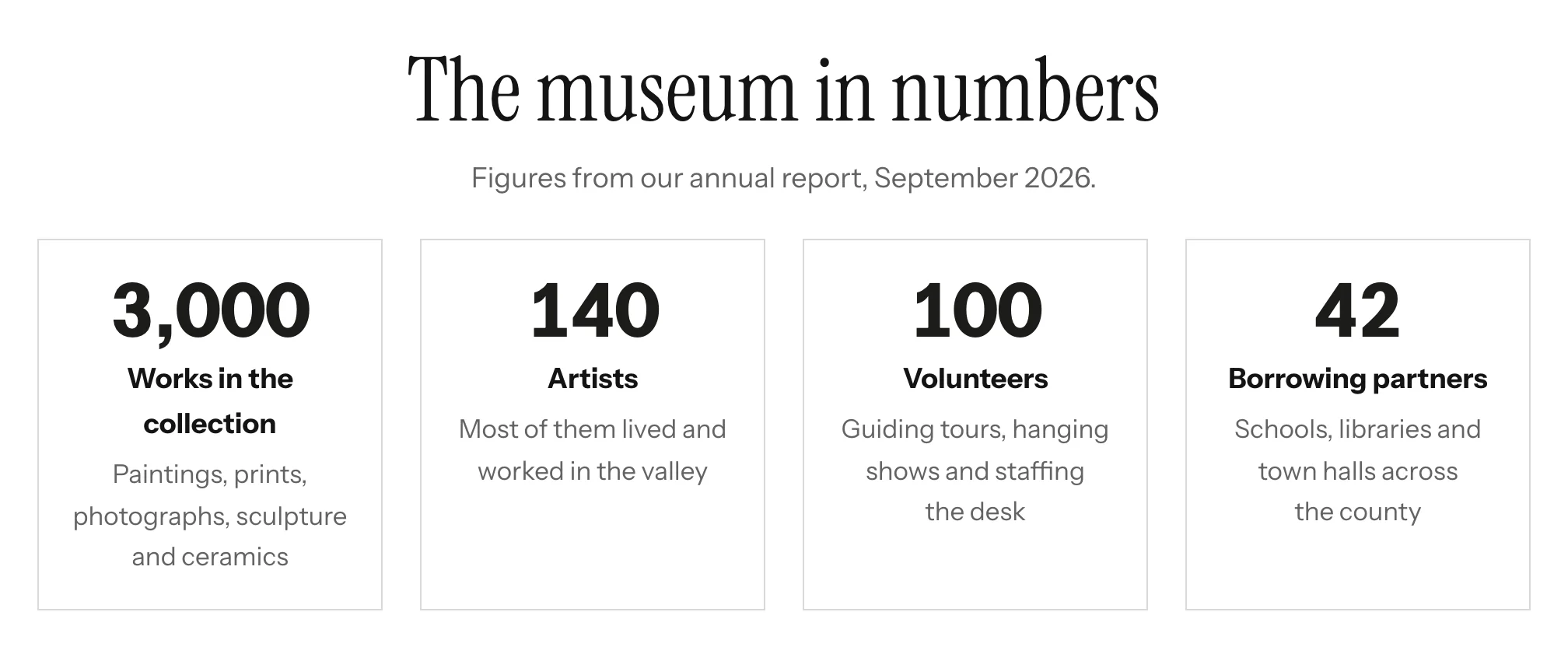
Adding the block
- Edit the page under Admin > Sites > (site) > Pages > (page).
- In the Add new block sidebar, click BlockSuite: Statistics.
- Click Add figure for each figure and fill it in.
- Click Save.
Fields
| Field | Description |
|---|---|
| Heading | Optional <h2>. |
| Introduction | Optional plain text under the heading. |
| Figures | Up to twelve. Each has a Figure (the number, as text, so 12,000, 98% or 1923 all work), a Label and an optional Description. Figures with neither a figure nor a label are dropped on save. Use the arrows to reorder figures. |
| Style | Plain figures or Cards. |
| Alignment | Centered (the default) or Left. |
On the public site
The figures form a list (<ul>), so screen readers announce how many there are. The grid fits as many figures per row as the space allows and stacks them on narrow screens. Figures use tabular numerals so digits line up.