Item Cards shows the attached items as the theme's own cards, the ones its browse pages use.
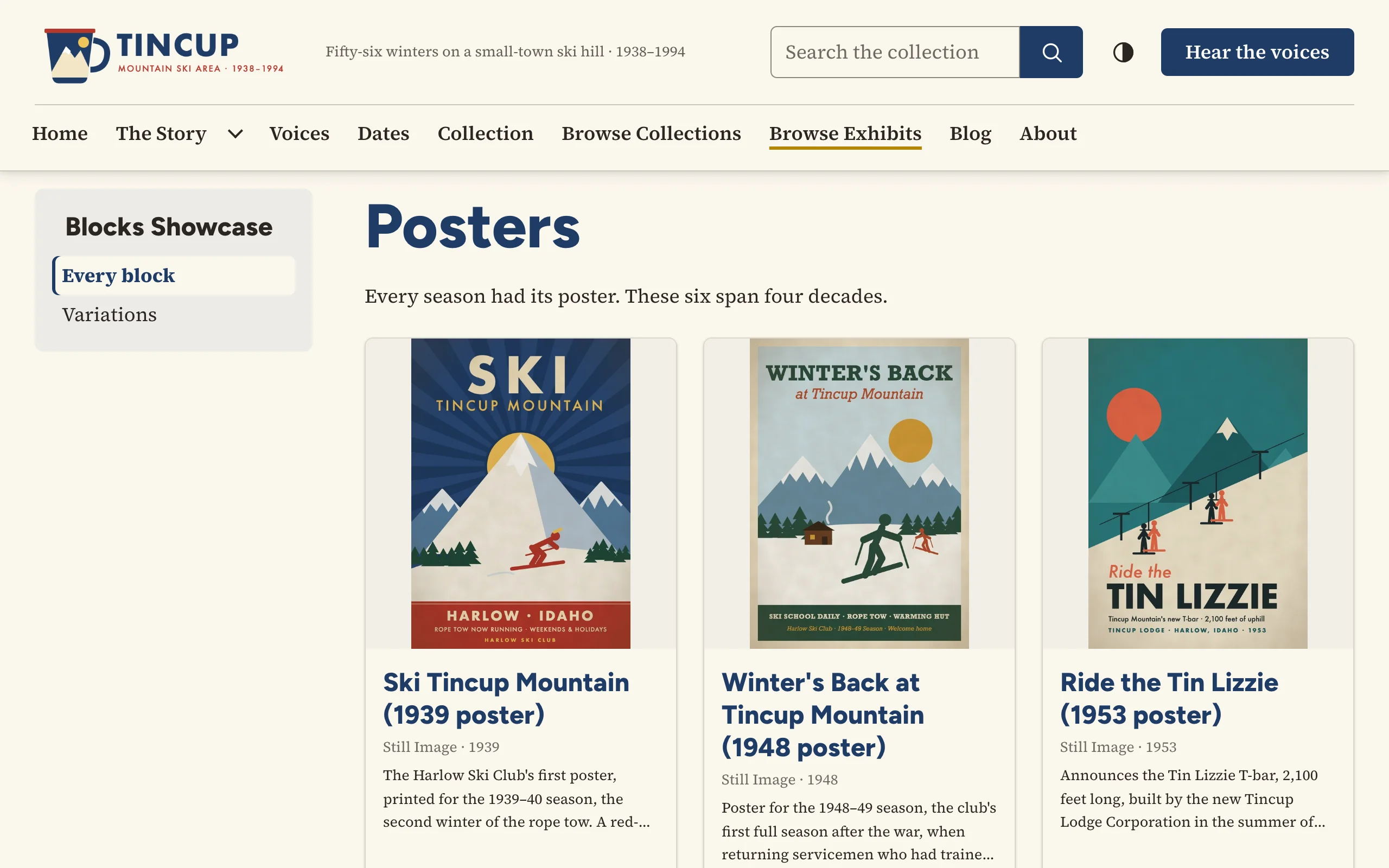
Options
| Option | Description |
|---|---|
| Items | The items to show, in order. Captions can replace the card text. |
| Introduction | Optional text above the cards. |
| Heading, Heading level | Optional heading; card titles are one level below it. |
| Layout | Grid of cards, List (image beside the text) or Grid, first card large. |
| Card text | The caption, else the item's description; the item's description; or none. |
| Link below the cards, Link address | An optional "See all" button, such as See all posters to items/browse?tags=Posters. |
On the public site
With a RefBytes theme the cards are printed by the theme's own card template (common/engine/card.php), so they follow its card settings: image ratio and fit, the line under the title (type and date, creator and date), how many lines of description, minimal or overlay cards. Each card is a single link to the item's page within the exhibit. With other themes Block Suite prints the same markup itself. Also available as the [bs_items] shortcode.