Tabs splits the block's text at its headings: each heading becomes a tab, and the text under it the tab's panel.
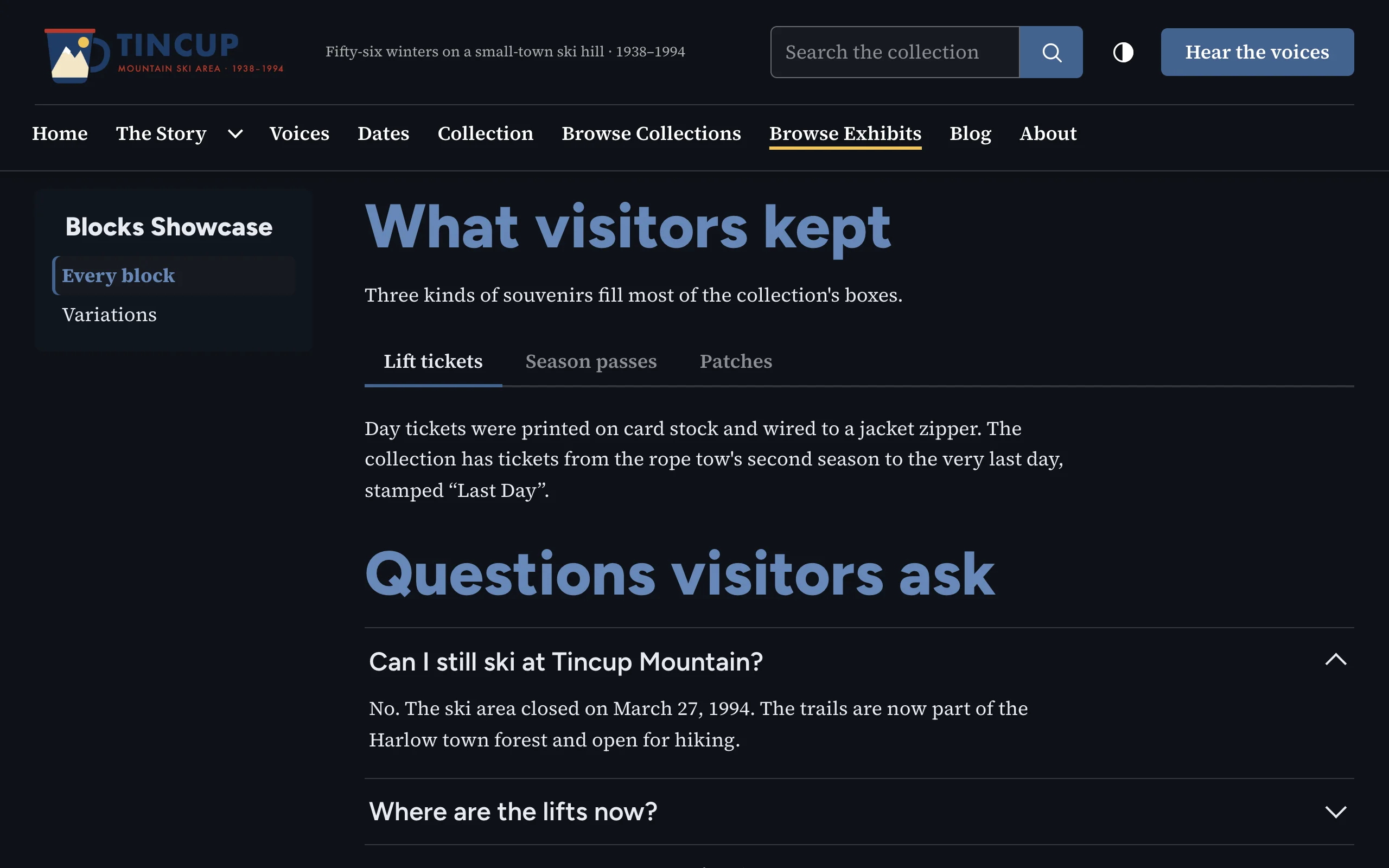
Writing the text
Use the editor's format menu to make each tab label a Heading 2 (or Heading 3). Text before the first heading stays above the tabs. A heading's id (set in the editor's source code view) still works as a link target: a link to #that-id selects the tab.
Options
| Option | Description |
|---|---|
| Heading, Heading level | Optional heading above the tabs; it names the tab list. |
| Start a tab at | The highest heading level used (default), or Heading 2, 3 or 4. Lower headings stay inside the panels. |
A text with no headings at that level is shown as plain text.
Accessibility
WAI-ARIA Authoring Practices tabs with automatic activation: Left and Right arrows move between tabs (wrapping), Home and End go to the first and last, and the selected tab is the only one in the Tab order. Without JavaScript, the tab row is hidden and every panel shows under its own heading. Same markup as Block Suite for Omeka S.