Alongside the free catalog from omeka.org, we build our own modules and themes for hosted sites: things like page versioning, an audit trail, a blog, and oral-history tools. They are included with your plan, and you install them the same way as anything else.
Browsing the catalog
Click Premium Modules or Premium Themes in the menu. Each card shows the module's name, the platform it runs on, its newest version, and a short description. Use the search box, or the filter button to show one platform.
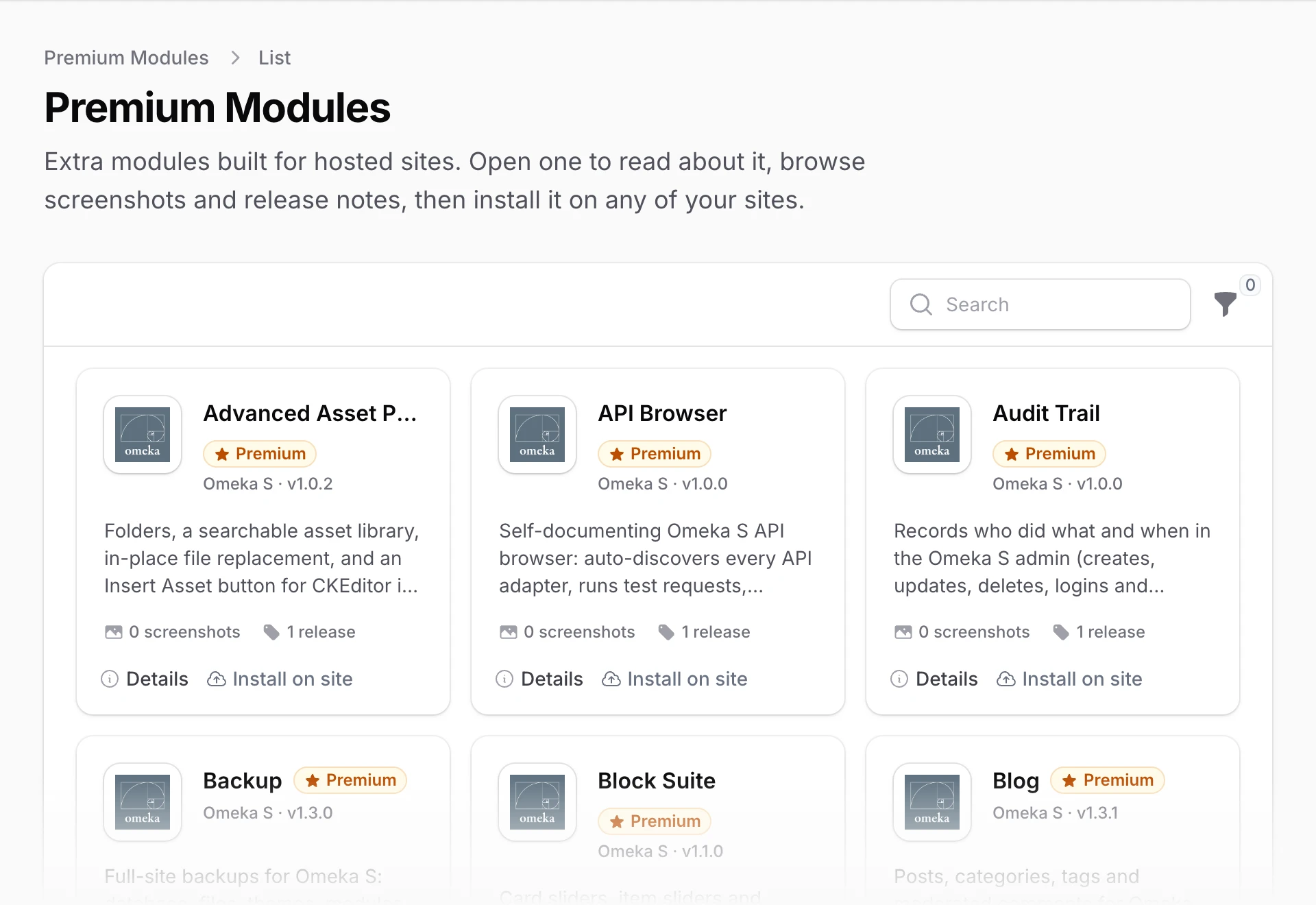
Click Details to learn more about one. Its page has:
- Screenshots, when there are some
- About, a full description
- Release notes for each version
- Installed on your sites, so you can see where it is already running
At the top of that page are buttons for Install on site and, when the module has them, its Homepage and Documentation. Many premium modules have their own guides, listed in the sidebar of these docs.
Installing on a site
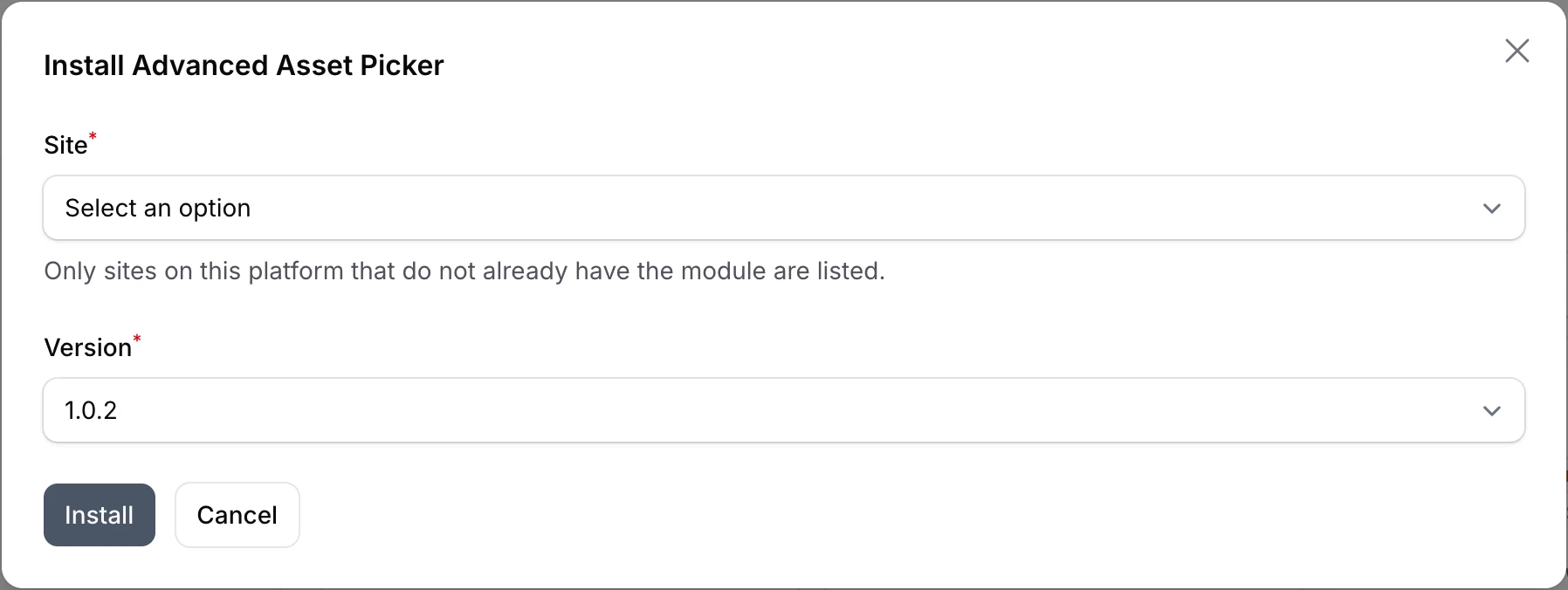
Click Install on site, either on the card or on the Details page. A small window asks for:
- Site, listing your sites on the right platform that do not already have it
- Version, set to the newest
Click Install. A notification confirms the installation has started, and after a short wait the module appears on that site's Modules page under Installed.
You can also install premium items from a site's own Modules or Themes page, where they show up on the Available tab with a Premium badge. See installing modules and themes.
As with any module, switch it on in the Omeka admin after it is installed: in Omeka S, go to Modules and click Install next to it.
Updates
New versions of premium modules show up on their own. Your sites keep the version they have until you choose to update, which works just like any other module. See managing versions.
Have an idea for a premium module, or a feature you would like in one? Open a ticket and choose Feature Request. We read every one.